Universal Serial Bus (USB) (Cambridge International IGCSE Computer Science)
Spec point —
2.1.3· "3 Understand the universal serial bus (USB) interface and explain how it is used to transmit data"
Universal Serial Bus (USB)
What is USB?
-
The Universal Serial Bus (USB) is a widely used standard for transmitting data between devices
-
It is a serial communication method , and it operates asynchronously
-
Many devices use USB such as:
- Keyboards
- Mice
- Video cameras
- Printers
- Portable media players
- Mobile phone
- Disk drives
- Network adapters
-
Different USB connector types exist for different devices
-
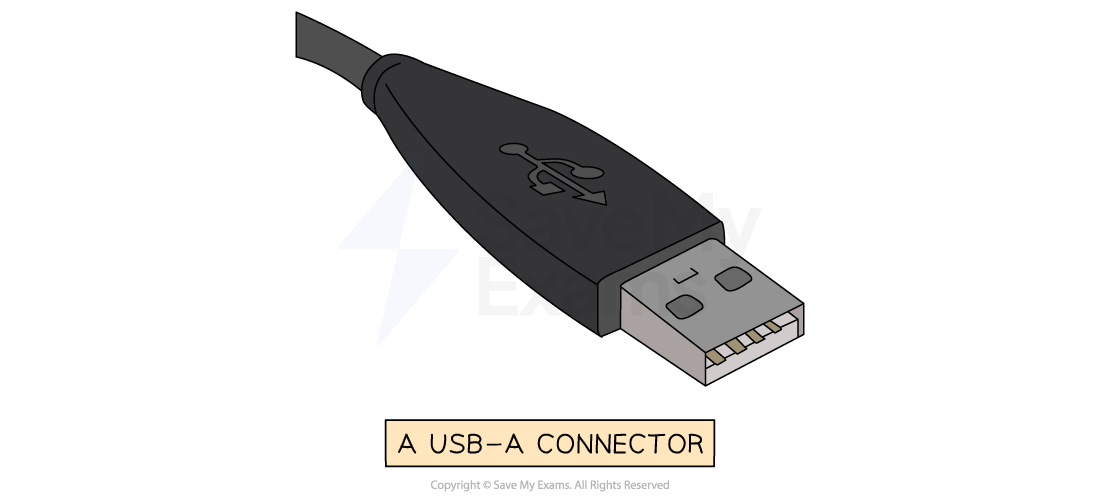
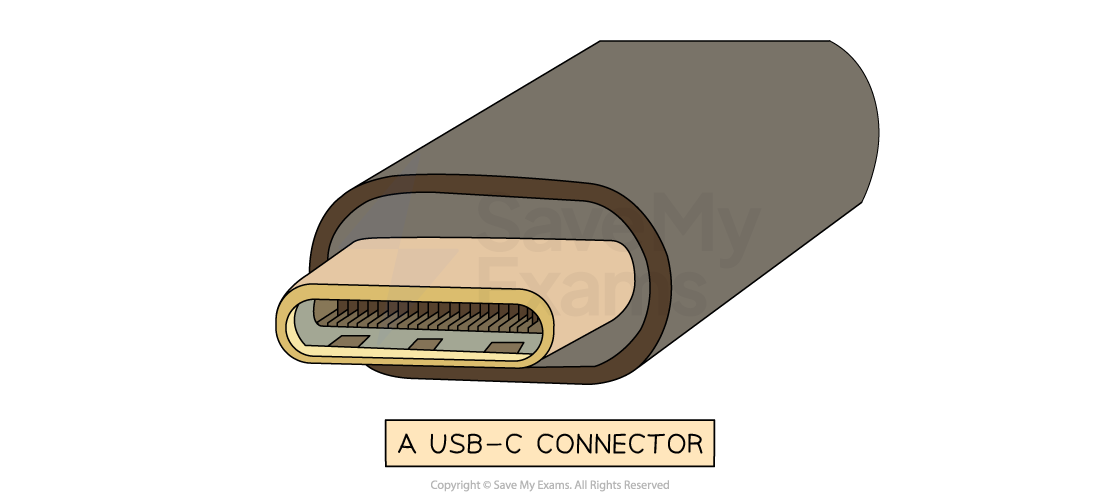
The letters refer to the physical shape and design of the USB connector:
- USB-A - Commonly used for flash drives, mice, keyboards, external HDD
- USB-B - Found in printers, scanners, and older external storage devices
- USB-C- Latest standard, known for it's small size, transfer speeds, and it's ability to carry power
-
The term USB can also be followed by numbers (USB 2.0, 3.0, 4 etc.)
-
The numbers refer to the generation of USB technology, which determines the speed and performance:
- USB 1.1 - 12 Mbps (very slow)
- USB 2.0 - 480 Mbps (very common but slower compared to modern versions)
- USB 3.0/3.1/3.2 - 5 Gbps to 20 Gbps (much faster, used for external HDDs and gaming devices)
- USB4/ USB4 2.0 - Up to 80 Gbps (the latest and fastest, used for high speed data transfer)
-
When a device is connected to a USB port the computer:
-
Automatically detects that the device has been connected
-
Looks for the correct driver:
- If the driver is already installed, the appropriate device driver is loaded so that the device can communicate with the computer
- If the device is new, the computer will look for a compatible device driver
- If one cannot be found, the user must download and install an appropriate driver manually
-
Advantages and disadvantages of USB
| Advantages | Disadvantages |
|---|---|
| Devices are automatically detected and drivers are automatically loaded for communication | The maximum cable length is roughly 5 metres meaning it cannot be used over long distances,limiting its use |
| Cable connectors fit in only one way. This prevents incorrect connections and ensures compatible data transmission | Older versions of USB have limited transmission rates for example USB 2.0 has 480Mbps |
| As USB usage is standardised, there is a lot of support available online and from retailers | Very old USB standards may not be supported in the near future (USB 1.1, USB 2.0, etc) |
| Several different data transmission rates are supported. The newest transmission rate as of 2022 is USB4 2.0 with 80 Gbps (81,920 Mbps, 170x faster than USB 2.0) | |
| Newer USB standards are backwards compatible with older USB standards |
Worked Example Julia uses a USB connection to transfer data onto her USB flash memory drive.
One benefit of using a USB connection is that it is a universal connection.
(i) State two other benefits of using a USB connection.
[2]
(ii) Identify the type of data transmission used in a USB connection.
[1]
Answers
(i) Any two of:
- It cannot be inserted incorrectly [1] - Supports different transmission speeds [1]
- High speed transmission [1] - Automatically detected [1]
- **Powers the device for data transfer [1]
(ii)
-** Serial [1]
Was this revision note helpful?